A specific name gets a better answer than an open question.
Today
With Intero Insight
In a 1:1“Who do you know who’d be a good fit for the group?”
→
With Intero Insight“How should I approach these three CEOs?”
Later that week“I’ll go through LinkedIn this week.”
→
With Intero InsightA ready shortlist from the group’s network.
In the meeting“Does anyone know a manufacturer we should talk to about joining?”
→
With Intero Insight“Three of you are connected to the CEO of a plastics manufacturer in Monroe. Anyone want to make an introduction?”
Before the meeting“Please bring a few names of people who may be interested.”
→
With Intero Insight“Here are five people who may fit. Who should we contact?”
When referrals don’t come naturallyThe Chair rarely asks.
→
With Intero Insight“What context can you give me on these people before I reach out?”
We have done this by hand with Chairs for years. Intero Insight does it at scale.
One product. Two views.
Chair View
Your participating members’ networks, brought together across your groups.
We do the filtering and give you a short list of likely prospective members, tied to who knows them.
Helps most when you are
Close to launching
Stuck a few members short
Filling seats after attrition
Building another group
The right names. The right members. Less work.
Group View
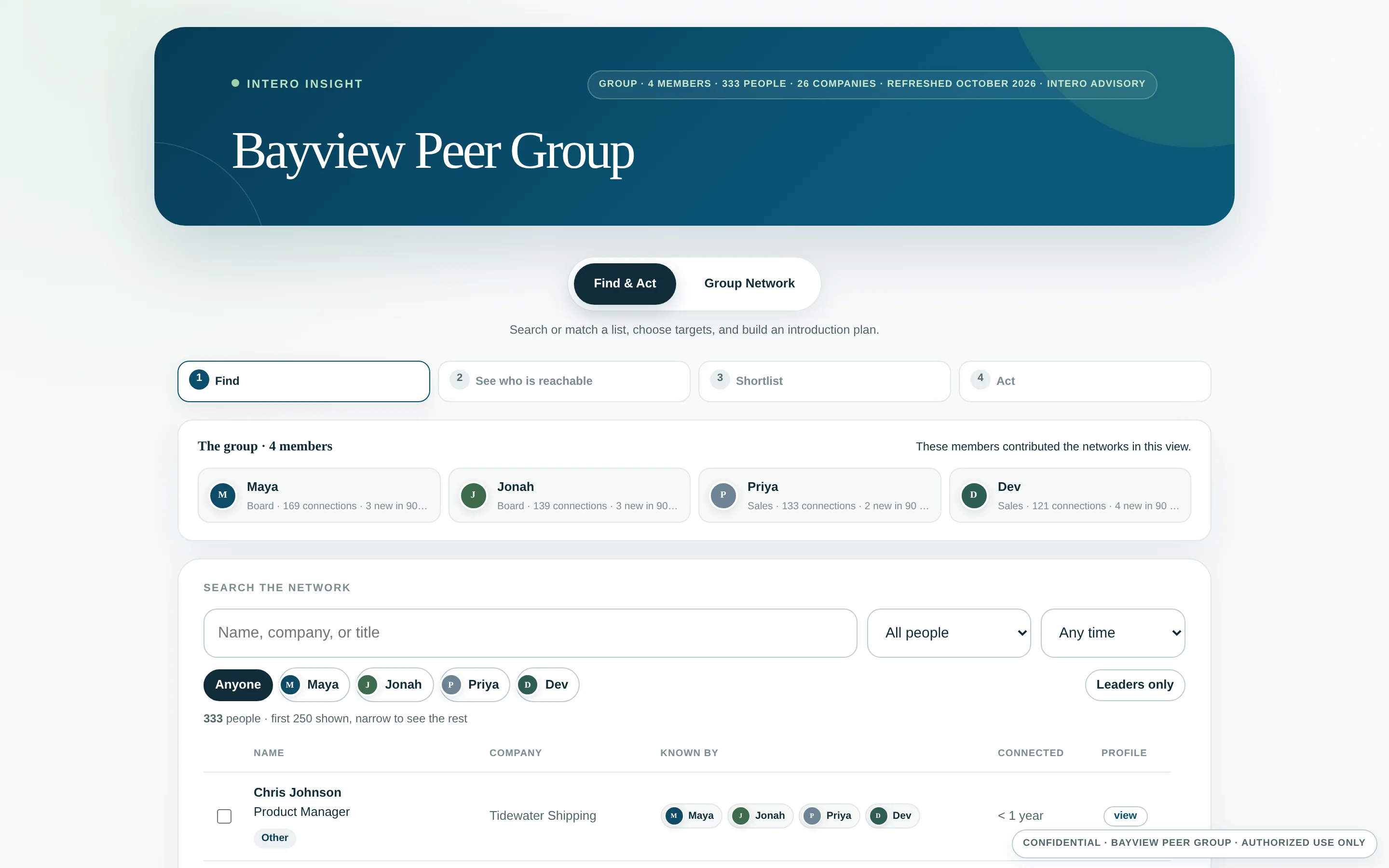
Each group gets one view of its combined network.
Members use it for business development, hiring, vendor vetting, and introductions.
Why it matters to you
It is the reason members opt in
It costs them nothing
It gives the room something to trade
It is a reason to stay in the group
The group’s network, working for every member.
For your members
What your members get out of it.
Every member searches one combined network instead of their own. A name comes back with who in the room knows that person and how well.
A meeting next weekPull five or six names at that company and see who in the room already knows one of them.
A vendor to checkFind the members who know people there and ask what they actually think.
A role to fillSearch the combined network before paying a recruiter.
A cold opener that isn’t coldNot every use is an introduction. “We both know Dana” is enough to start.
A member does not have to live in it. One or two conversations a month that would not have happened otherwise is the whole return, and it costs them nothing because it comes through you.
We do the work
What happens, start to finish.
1Members opt inLive with us, in a few clicks. Ten minutes, once.
2We build the viewsPrivate and password protected. Nothing to install.
3You get a short listLikely prospective members, tied to who knows them.
4The member confirms“How well do you know her?” You take it from there.
About 30 minutes of your time to start. We handle setup, the kickstart, and the refresh at six months. LinkedIn and Sales Navigator do a lot. Seeing who all your members know, in one place, is still a manual job. This is the part we make instant.
Live Chair View
Try it yourself.
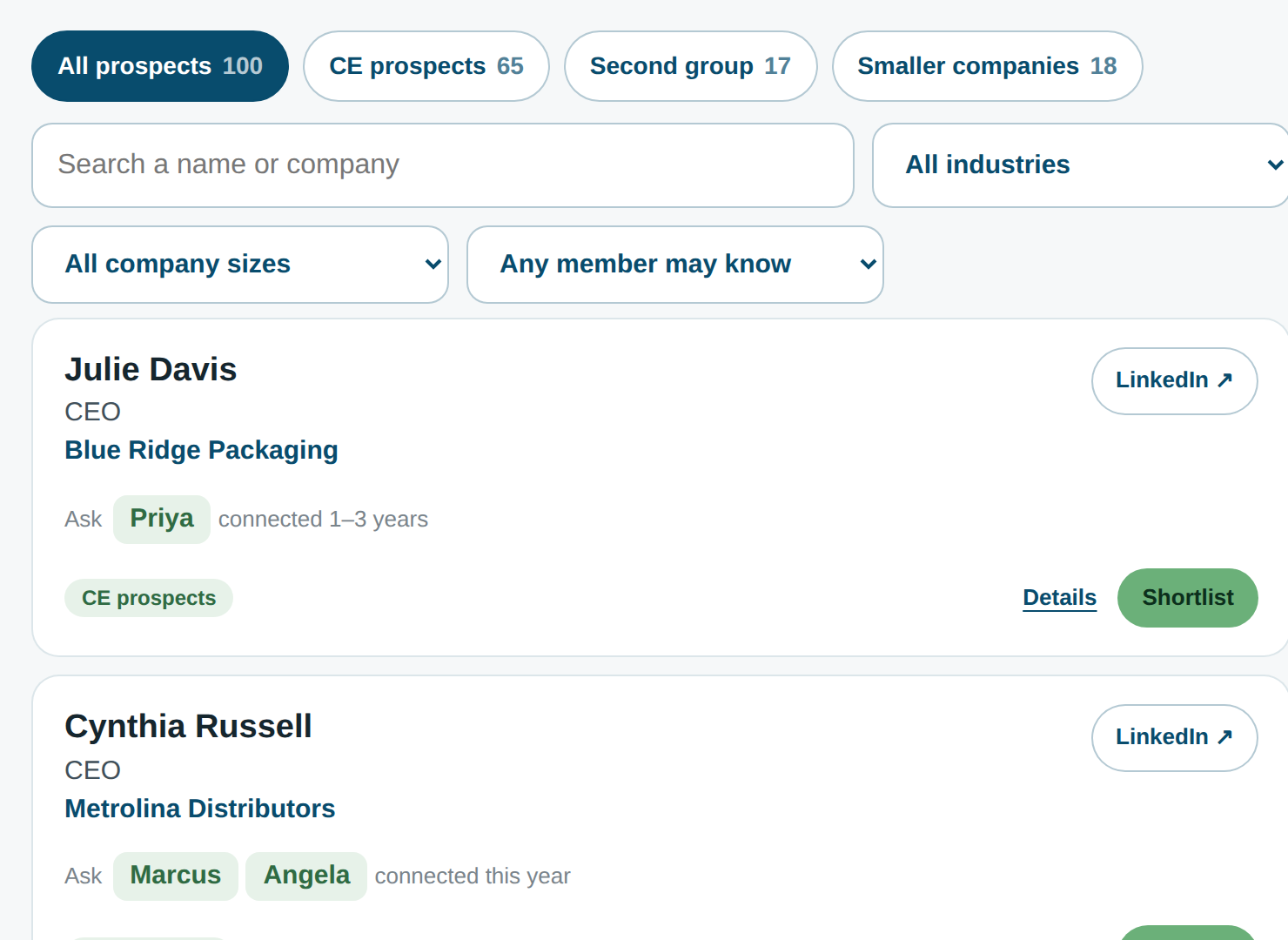
A real Chair View built on a sample Charlotte group. Filter it, sort it, open a name.
Try this. Set Any member may know to Priya and you will see her connections. Narrow to CE prospects. Cynthia Wallace comes up near the top, and Priya, Russ, and Jamal are all connected to her. That is three members to ask, not one.